
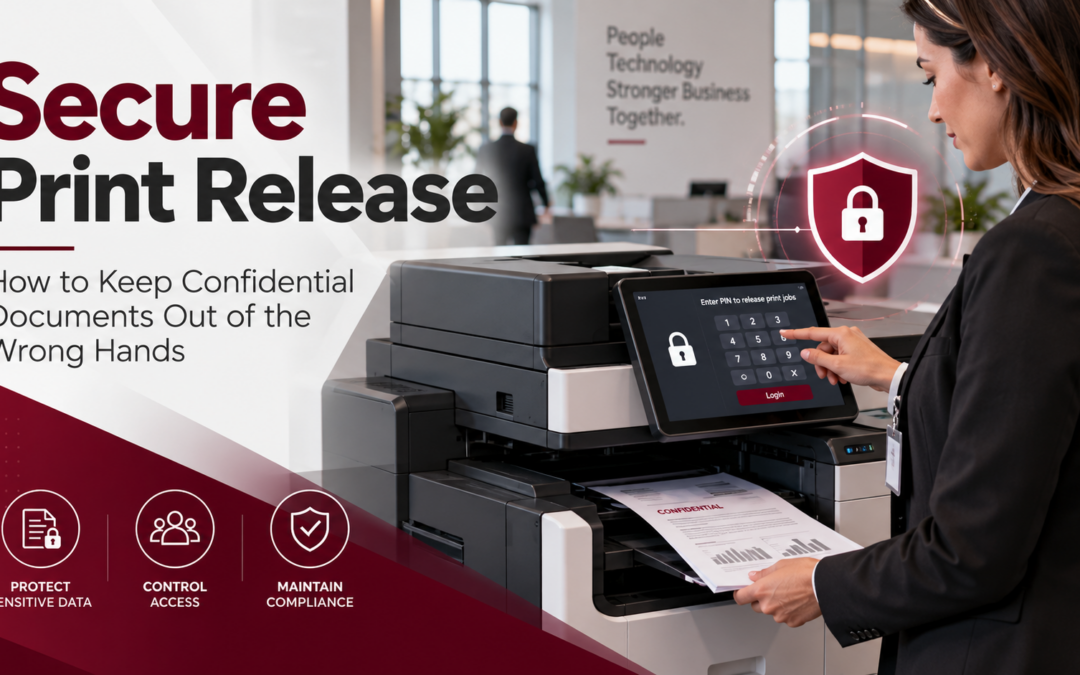
Every day, businesses print documents containing information that should never fall into the wrong hands. Employee records, financial reports, customer information, contracts, and confidential correspondence regularly pass through office printers. But what happens when someone sends a sensitive document to a shared printer and forgets to pick it up? It may sit in the output tray for several minutes—or even hours—where employees, visitors, or unauthorized individuals could see it.
Secure print release helps prevent this common security risk by keeping documents from printing until the authorized user is physically at the printer and ready to collect them. For businesses looking to strengthen document security without making everyday printing more complicated, secure print release is a practical place to start.
What Is Secure Print Release?
Secure print release is a printer security feature that holds a document in a protected print queue until the person who submitted it verifies their identity at the printer. Instead of immediately printing a document when someone clicks “Print,” the system waits until the user arrives at the device and authorizes the job.
Depending on the printer and its configuration, users may authenticate through:
- A personal identification number (PIN)
- An employee ID badge or access card
- A username and password
- A compatible mobile authentication method
Once the user’s identity is verified, the printer releases the selected documents. This process helps ensure that confidential information is not left unattended in a shared printer’s output tray.
Secure print release is sometimes called pull printing, follow-me printing, PIN printing, or confidential printing. These terms can describe slightly different capabilities depending on the manufacturer and software being used.
Why Unattended Documents Are a Security Risk
When businesses think about cybersecurity, they often focus on firewalls, passwords, email protection, and antivirus software. However, protecting digital information is only part of the equation. Printed documents can expose confidential information just as easily as an unsecured computer.
Consider these everyday situations:
- A healthcare office: A staff member prints patient records but gets interrupted before collecting them.
- A law firm: Confidential client documents sit in a shared printer accessible to employees and visitors.
- An accounting department: Payroll information is accidentally left in an output tray.
- A human resources department: Employee evaluations or compensation records are printed to a device used by multiple departments.
- A school: Student information or personnel records are printed in a common administrative area.
In each situation, the printer may be working exactly as intended. The problem is that the documents are available before the intended recipient arrives.
The National Institute of Standards and Technology (NIST) recognizes the importance of controlling access to output devices, including printers and copiers, to prevent unauthorized individuals from obtaining sensitive information. Learn more in NIST’s guidance on protecting information handled by printers, copiers, and other replication devices.
How Does Secure Print Release Work?
Although the setup varies by printer manufacturer and print management system, the basic process is straightforward.
- The employee sends a document to the printer: Instead of printing immediately, the document is placed in a held print queue. Depending on the solution, that queue may reside on the printer, a print server, or a supported cloud print platform.
- The document waits securely: The document remains in the queue until the authorized user is ready to retrieve it. Businesses can also configure supported systems to delete unclaimed print jobs after a specified period.
- The employee authenticates at the printer: When the employee arrives, they enter a PIN, swipe an authorized badge, or use another supported authentication method.
- The printer releases the document: After authentication, the user selects the document and starts printing.
Because the employee is already standing at the printer, the chance of leaving confidential pages unattended is reduced. The result is a more controlled printing process that protects sensitive information without requiring employees to stop printing the documents they need.
Five Benefits of Secure Print Release for Businesses
1. Protect confidential business information
The primary benefit is straightforward: documents are not printed until an authorized person releases them. This can help prevent accidental exposure of financial information, customer records, employee files, legal documents, and other sensitive materials.
2. Reduce unnecessary printing and paper waste
How often do employees print documents they never collect? With secure print release, users can cancel jobs they no longer need. Some systems can also automatically remove abandoned jobs from the queue. As a result, businesses may reduce wasted paper, toner, and unnecessary printing costs.
3. Improve accountability
Depending on the print management solution, businesses may be able to track which users released documents, when printing occurred, and which devices were used. This visibility can help organizations review printing activity, manage usage, and investigate potential document-handling problems. However, print activity logs should be configured with appropriate privacy protections and retention policies.
4. Support document security policies
Organizations handling sensitive information often need documented procedures for protecting it. Secure print release can support these procedures by adding an authentication step before documents are produced. For healthcare organizations, it can form part of a broader strategy for protecting patient information. However, enabling secure printing alone does not make an organization HIPAA compliant. For additional guidance, read our article: HIPAA-Compliant Printing: 10 Ways to Protect Patient Information.
5. Make shared printers more practical
Businesses often rely on shared multifunction printers to reduce equipment costs and improve office efficiency. Secure print release allows employees to use these shared devices while maintaining greater control over confidential documents. Some advanced print management systems also offer follow-me printing, allowing users to release a document from different compatible printers within their organization. This flexibility can be especially helpful for businesses with several departments, floors, or office locations.
Does Your Office Printer Already Support Secure Printing?
Many businesses are surprised to learn that their existing printer or multifunction copier may already include some form of confidential printing. For example, supported Lexmark devices offer confidential print features that allow employees to hold print jobs until they enter a PIN at the device. Other commercial printer platforms may provide built-in secure printing, badge authentication, or additional print management applications. However, available features depend on the printer model, firmware, software licensing, and network configuration.
Before investing in new equipment, ask these questions:
- Does our current printer support PIN-protected printing?
- Can employees release documents using their existing ID badges?
- Are unclaimed print jobs automatically deleted?
- Can employees securely release documents from multiple printers?
- Is print activity logged when appropriate?
- Are held print jobs encrypted while stored or transmitted?
- Can secure printing be configured for departments that regularly handle confidential documents?
If you are unsure about the answers, a printer security assessment can help identify which capabilities your current equipment supports and whether additional protection is needed.
Secure Print Release Is Only One Part of Printer Security
While secure print release helps protect documents at the output tray, it does not address every printer security risk. Modern multifunction printers are connected devices that may store, transmit, and process business information. Like other network-connected equipment, they require appropriate security controls.
In addition to secure print release, businesses should consider:
- User authentication: Restrict access to sensitive printer functions.
- Firmware updates: Keep printer software updated to address known vulnerabilities.
- Network security: Limit unauthorized access to printers and their management interfaces.
- Data encryption: Protect print jobs and stored information using supported encryption features.
- Secure scanning: Review scan-to-email and network-folder permissions.
- Data retention: Configure appropriate deletion policies for stored and abandoned print jobs.
- Secure disposal: Ensure stored information is properly removed before returning, recycling, or replacing equipment.
The Cybersecurity and Infrastructure Security Agency (CISA) has identified printers and scanners among connected devices that can be exposed through insecure default credentials. Therefore, organizations should include printers in their broader cybersecurity planning rather than treating them as simple office accessories.
How DDL Business Systems Can Help
At DDL Business Systems, we believe protecting business information should not require complicated technology. Since 1997, we have helped organizations throughout Winchester, Northern Virginia, the Shenandoah Valley, Maryland, and West Virginia find practical office technology solutions. Whether your business uses one shared multifunction printer or manages an entire fleet, our team can help you evaluate your existing print environment and identify opportunities to improve document security.
We can help you:
- Review the security capabilities of your current printers and copiers.
- Determine whether secure print release is available on compatible equipment.
- Evaluate commercial printers and multifunction devices with security features that meet your needs.
- Identify print management options that support accountability and efficiency.
- Develop a more secure and cost-effective printing environment.
Through our Managed Print Services, we help businesses take a more proactive approach to managing their office printing technology.
Are Confidential Documents Being Left on Your Office Printer?
You do not have to wait for a document security incident to improve your printing practices. A simple review of your existing equipment and workflows can reveal opportunities to protect sensitive information, reduce unnecessary printing, and make your office more efficient.
Schedule a Free Print Assessment with DDL Business Systems. Let our local team help you determine whether secure print release is right for your business.
Recent Comments