
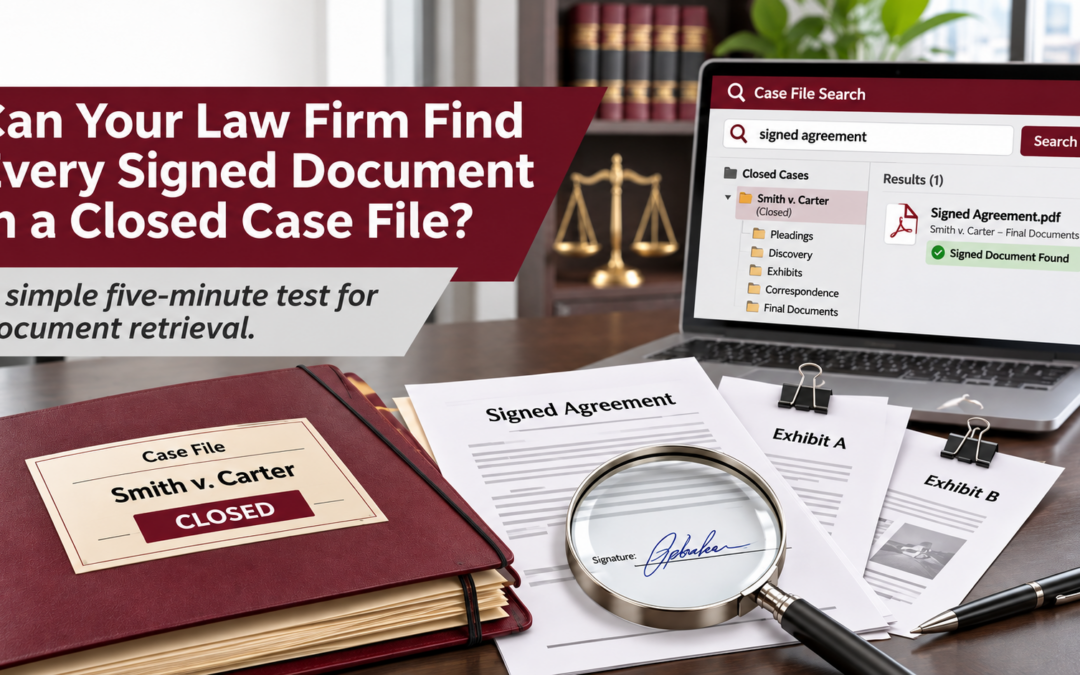
A five-minute test could reveal whether your firm’s document management process is working as well as you think.
A client calls six months after their matter closes and asks for a copy of the signed agreement. Sounds simple enough.
But one version is sitting in an attorney’s email inbox. Another is saved in the case folder. And the fully signed copy? That might still be in a paper file somewhere in the office.
Now someone has to figure out which version is correct, where the final document is stored, and whether all the required signatures are there.
How confident are you that your team could find the right document in five minutes?
For many law firms, the challenge isn’t that documents are missing. It’s that they’re scattered across paper files, email attachments, shared drives, and individual computers.
And that can make retrieving a closed case file more complicated than it needs to be.
The Five-Minute Closed Case File Test
Here’s a simple way to evaluate how easily your firm can retrieve important documents. Choose one recently closed matter and ask an authorized staff member who wasn’t directly involved in the case to locate three things:
- The final signed agreement — not a draft, unsigned version, or earlier revision.
- The final correspondence — including the closing letter or other relevant communications.
- The supporting exhibits — any attachments or documents that belong with the completed matter.
Give that person five minutes.
Can they locate everything without contacting the original attorney, searching multiple email accounts, or digging through paper folders? More importantly, can they confidently identify the correct versions?
If the answer is no, your firm may have a document organization problem worth addressing.
Why Finding the Right Document Can Be Difficult
Even firms that have moved toward digital records can struggle with document retrieval. A paper agreement might be scanned and emailed to an employee, who saves it to their desktop. Another staff member might upload a copy to a shared folder. Meanwhile, an attorney retains a revised version as an email attachment.
Before long, several versions of the same document exist in different places. The issue isn’t necessarily a lack of technology. It’s often a lack of consistency in how documents are captured, named, organized, and stored. And when an employee leaves, a case changes hands, or a client requests information months later, those inconsistencies become much more noticeable.
Three Changes That Can Make Closed Files Easier to Find
1. Establish One Consistent Scan Destination
When someone scans a signed agreement, where does it go? If the answer depends on who is using the scanner, that’s a good place to start. A consistent scanning process can direct documents to an approved location associated with the correct client or matter. Instead of leaving a scanned document in someone’s inbox or downloads folder, the team has a defined destination for saving it.
The goal is simple: Everyone knows where important documents belong, regardless of who scanned them.
2. Use Clear Document Names and Categories
Consider the difference between these two filenames:
Scan00458.pdf2026-04-15_Matter12345_Agreement_Signed.pdf
The second filename tells an employee considerably more about what they’re looking at. Consistent naming conventions, document categories, and indexing make it easier to distinguish signed agreements from drafts, identify final correspondence, and locate exhibits. Depending on the technology your firm uses, searchable text and automated document classification may also help employees find information within scanned files. AI-assisted document capture can further reduce manual sorting and data entry, although important classifications and document versions should still be verified by your team.
3. Build a Document Check into the Case-Closing Process
The best time to organize a closed case file isn’t six months after the matter ends. It’s when the file is being closed. A straightforward closing procedure can help ensure the signed agreement, final correspondence, and relevant exhibits are accounted for and stored appropriately. It also gives staff an opportunity to confirm that the correct documents are labeled, accessible to authorized employees, and handled according to the firm’s retention and confidentiality requirements. Keep in mind that scanning a document doesn’t automatically mean the paper original can be discarded. Original-document requirements and file retention obligations should remain part of your firm’s established policies.
Digital Documents Aren’t Always Organized Documents
Scanning paper records is an important step toward reducing physical file storage. But turning a document into a PDF doesn’t automatically make it easier to find. If someone still has to remember which folder contains the document, who scanned it, or which filename was used, the firm hasn’t completely solved its retrieval problem. A more effective document management process connects scanning with consistent organization, searchable information, appropriate access controls, and a clear method for identifying final versions. That means less time hunting for paperwork and more time serving clients.
How DDL Business Systems Can Help
At DDL Business Systems, we understand that law firms handle large volumes of documents, many of which must remain accessible long after a case closes. Our document management and digitization solutions can help firms evaluate how paper and electronic documents move through their offices, identify opportunities to reduce manual handling, and establish more consistent document capture and organization workflows. Whether your firm wants to improve scanning procedures, explore AI-assisted document capture, or make existing digital records easier to retrieve, the first step is understanding where the current process breaks down.
Ready to see how well your document process works?
Try the five-minute closed case file test with your team.
If locating the right documents takes longer than expected, DDL can help you explore practical ways to improve the process.
Recent Comments