
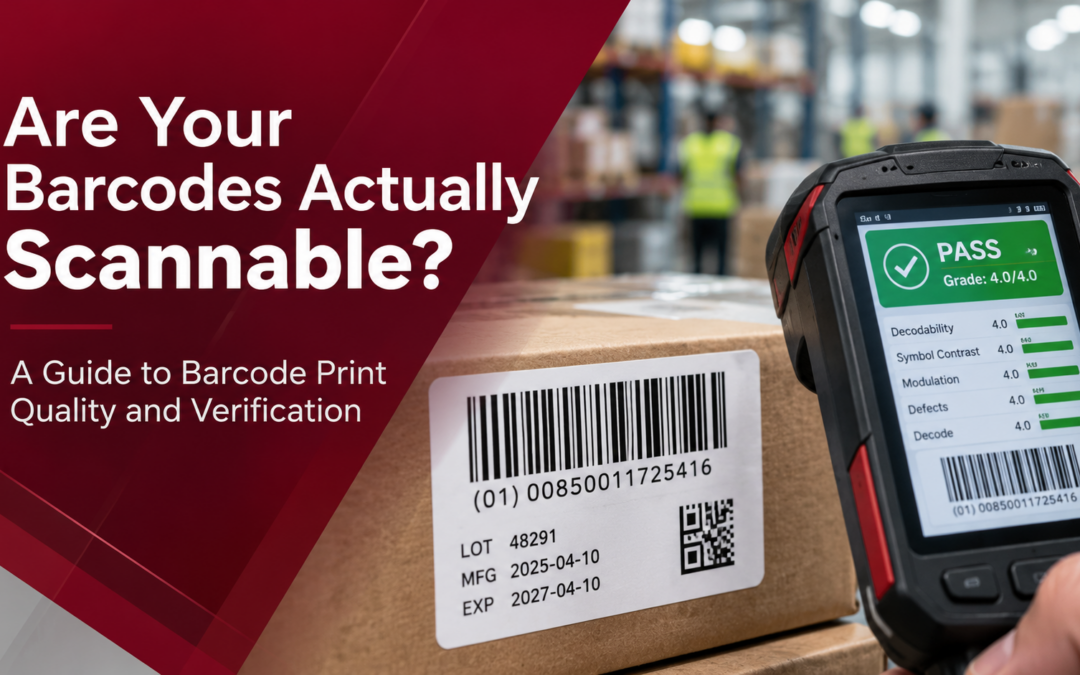
Your barcode printer successfully printed the label. Your handheld scanner even read it. So the barcode must be good—right?
Not necessarily.
There’s an important difference between a barcode that scans successfully once and a barcode that consistently meets recognized print-quality standards. A barcode might scan perfectly in your warehouse but fail when it reaches a customer’s distribution center. It might work with one handheld scanner but require repeated attempts with another. Or it might scan when first printed but become difficult to read after handling, shipping or exposure to warehouse conditions.
For manufacturers, warehouse managers and logistics teams, these problems can lead to shipping delays, additional labor, relabeling and avoidable disruptions. The good news? Many barcode problems can be identified and corrected before labels ever leave your facility. Understanding barcode print quality and verification is the first step.
What’s the Difference Between Barcode Scanning and Barcode Verification?
One of the most common misconceptions about barcode quality is that a successful scan proves the label is printed correctly. It doesn’t. A barcode scanner and a barcode verifier perform two different jobs. A barcode scanner reads the information encoded in the symbol. Its primary purpose is to capture data quickly and accurately during everyday operations. A barcode verifier measures specific characteristics of the barcode and evaluates its quality against applicable standards.
In other words:
-
Scanning answers: Can this device read this barcode?
-
Verification answers: Does this barcode meet defined quality specifications?
A barcode verifier evaluates characteristics that ordinary scanning doesn’t necessarily reveal, including contrast, bar or module dimensions, defects and other print-quality measurements. According to GS1’s guidance on barcode quality assessment, barcode verification uses established quality parameters to evaluate whether printed symbols satisfy applicable requirements. This distinction matters because your customers, suppliers and distribution partners may use different scanners, software and scanning environments. A label that works in one location may not perform consistently throughout the supply chain.
Understanding Barcode Print Quality Standards: ISO/IEC 15416 and ISO/IEC 15415
Two internationally recognized standards are especially important when evaluating printed barcode quality.
ISO/IEC 15416: Quality Standards for Linear Barcodes
ISO/IEC 15416:2025 establishes a methodology for measuring and grading the print quality of linear, or one-dimensional, barcodes. These include familiar symbols such as Code 128, GS1-128 and UPC barcodes.
The standard evaluates characteristics such as:
- Symbol contrast
- Modulation and edge contrast
- Defects within bars or spaces
- Decodability
- Reflectance characteristics
These measurements help determine whether a barcode has sufficient quality for its intended application.
ISO/IEC 15415: Quality Standards for 2D Barcodes
ISO/IEC 15415:2024 establishes measurement and grading methodologies for two-dimensional barcodes, including matrix symbols such as Data Matrix and QR Codes. These symbols can store substantial amounts of information in relatively small spaces, making print quality especially important. Verification can evaluate characteristics such as symbol contrast, modulation, grid uniformity, fixed-pattern damage and the ability to decode the symbol.
A barcode verifier typically reports quality using a numerical grading scale from 0.0 to 4.0. However, the acceptable grade depends on the barcode type, application and applicable specifications. A grade that is acceptable for one use isn’t automatically sufficient for every supply chain. For organizations following GS1 requirements, the appropriate symbol specification must also be considered.
You can learn more through the GS1 2D Barcode Implementation Guideline.
7 Common Problems That Affect Barcode Print Quality
Even a properly configured barcode printer can produce labels that are difficult to scan if printing conditions, materials or label designs aren’t optimized.
Here are seven problems worth investigating.
1. Insufficient Barcode Contrast
A scanner must distinguish between the dark and light elements of a barcode. When the contrast is too low, scanners may struggle to interpret the symbol reliably. Common causes include faded printing, unsuitable ribbon and label combinations, excessive thermal settings or poor-quality printing surfaces. For thermal transfer printing, selecting compatible ribbons and label materials is particularly important.
What to check: Are printed elements consistently dark and well-defined? Is the label stock compatible with the ribbon and printing method? Remember that visual inspection alone cannot establish whether the contrast meets a required verification grade.
2. Inadequate Quiet Zones
A quiet zone is the clear area surrounding a barcode that helps scanning equipment identify its boundaries. When text, borders, graphics or other printed elements enter this area, scan reliability can suffer. The required quiet-zone dimensions vary by barcode symbology and application. For example, GS1 DataMatrix and GS1 QR Code have different quiet-zone requirements.
What to check: Is the barcode positioned too close to the edge of the label? Does other printed information interfere with the required clear space? GS1’s 2D Barcode Verification Process Guideline explains why inadequate quiet zones can contribute to decoding failures.
3. Incorrect Barcode Size or Scaling
Making a barcode smaller may seem like an easy way to fit more information onto a label. Unfortunately, reducing its size beyond the appropriate specifications can make it difficult to scan. Barcode dimensions must account for the symbology, intended application, scanning environment and printer’s capabilities. For linear barcodes, bar width and symbol height are important. For 2D barcodes, individual module dimensions must remain suitable for reliable printing and scanning.
What to check: Was the barcode generated at its intended size, or was it resized in a document, graphics program or label template? Avoid shrinking barcode artwork without confirming that the resulting dimensions remain within applicable specifications.
4. Dirty or Worn Printheads
Industrial barcode printers operate in demanding environments. Over time, adhesive residue, dust, ribbon debris and normal component wear can affect printing performance. A dirty or damaged printhead may create missing lines, faded sections or inconsistent print density. These defects can be especially troublesome when they interrupt narrow barcode elements or portions of a 2D symbol.
What to check: Are there repeated gaps or light streaks in printed labels? Does the problem occur in the same location across multiple labels? Regular cleaning and inspection, performed according to the manufacturer’s instructions, can help reduce these problems.
5. Label Wrinkles and Material Problems
Barcode quality isn’t determined by the printer alone. Labels that wrinkle, curl or shift during printing can distort the barcode. Likewise, an unsuitable ribbon or label material can produce inconsistent results. In warehouses and manufacturing facilities, labels may also be exposed to moisture, abrasion, temperature changes and other conditions that affect their useful life.
What to check: Is the label material appropriate for the environment? Is the media feeding smoothly? Are wrinkles or ribbon alignment problems affecting the printed symbol?
6. Printer Resolution That Doesn’t Match the Application
Not every barcode application requires a high-resolution industrial printer. For many standard shipping and warehouse labels, a properly configured 203 dpi printer may be perfectly suitable. However, applications involving small barcodes, dense 2D symbols, compact labels or very small text may require greater printing precision.
This is where the difference between 203 dpi, 300 dpi and 600 dpi becomes relevant. Higher resolution provides more printing dots per inch, allowing finer details to be reproduced. But higher resolution alone doesn’t guarantee better barcode quality. Label design, minimum module dimensions, print settings, materials and verification results still matter. For organizations printing very small identification labels or high-density 2D codes, evaluating printer resolution should be part of the overall quality discussion.
7. Printing Speed and Darkness Settings
Printing faster can increase production throughput, but it can also affect barcode quality. If printing speed, heat and material selection aren’t properly balanced, printed elements may become distorted, uneven or difficult to distinguish. Increasing darkness isn’t always the solution. Too much heat can contribute to excessive print growth, while insufficient heat can result in weak printing. Toshiba’s BX820T industrial barcode printer operating manual specifically identifies print density, speed, media and printhead condition as factors to investigate when print quality or scanning performance deteriorates.
What to check: Did scanning problems appear after increasing production speed, changing label stock or adjusting darkness settings? Testing and verifying samples at actual production settings can help identify the right balance between speed and quality.
Why Barcode Print Quality Matters in Manufacturing and Warehousing
Poor barcode quality can create operational problems long before anyone identifies the printer as the source. Consider a manufacturer printing product identification labels for outbound shipments. The labels scan successfully during packing, but several become difficult to read at a customer’s receiving dock. Employees must manually enter identification numbers, investigate the shipment or print replacement labels. Now imagine similar problems occurring hundreds of times across different shipments.
What initially appeared to be a small printing issue can create extra handling, delays and unnecessary labor.
For manufacturers and warehouse operations, reliable barcode printing supports:
-
Inventory accuracy: Consistent scanning helps employees identify and track the correct items.
-
Faster receiving and shipping: Readable labels reduce interruptions during routine scanning.
-
Traceability: Reliable identification supports product, lot and location tracking.
-
Customer requirements: Proper barcode quality helps organizations meet applicable supplier and trading-partner specifications.
-
Operational efficiency: Fewer scanning problems mean less time spent troubleshooting and relabeling.
This is why barcode quality should be treated as an important part of the labeling process, not simply a printer maintenance issue.
How to Improve Barcode Print Quality: A Practical Checklist
You don’t necessarily need new printing equipment to improve barcode quality. Start by examining your current labeling process.
-
Review your barcode specifications. Confirm the required symbology, dimensions, quiet zones and minimum quality grade for your application.
-
Inspect your printer and consumables. Check printheads, rollers, ribbons and label materials for contamination, wear or compatibility problems.
-
Evaluate print settings. Test printing speed, darkness and media settings to identify the best balance between productivity and print quality.
-
Review your label design. Make sure barcodes aren’t too small, distorted or positioned too close to other label elements.
-
Verify representative printed samples. Use an appropriate barcode verifier or qualified verification service to measure print quality against applicable standards.
-
Monitor results over time. Recheck quality when equipment, materials, label designs or production settings change.
For operations with demanding barcode requirements, periodic verification can help detect problems before they affect shipments.
Importantly, barcode verification isn’t the same as validating the encoded business data. A symbol can achieve a satisfactory print-quality grade while still containing incorrect product or shipment information. Both should be checked.
When Should You Consider Upgrading Your Barcode Printer?
If your current barcode printer consistently produces quality labels that meet your operational requirements, there may be no reason to replace it. However, certain challenges can indicate that your printing setup deserves a closer look:
- Frequent scanning problems despite maintenance and adjustments
- Increased demand for smaller labels or denser 2D barcodes
- Difficulty maintaining consistent print quality at production speeds
- Changing label materials or environmental requirements
- New customer requirements involving barcode quality or traceability
- Higher labeling volumes that exceed your current equipment’s capabilities
The right solution may involve adjusting settings, changing consumables, servicing a printhead or evaluating a different printer configuration. For some applications, upgrading to a higher-resolution industrial barcode printer can provide the precision needed for compact labels and detailed symbols. However, the best approach starts with understanding the application—not choosing equipment based on specifications alone.
Better Barcode Quality Starts Before the Label Ships
A barcode that scans once isn’t necessarily a barcode that will perform reliably throughout your supply chain. Understanding print-quality standards, maintaining your equipment and periodically verifying printed symbols can help reduce avoidable scanning problems. Whether you’re printing warehouse shipping labels, product identification labels or high-density 2D barcodes, consistency matters.
Your barcode should work where it’s needed—not just where it was printed.
Need Help Evaluating Your Industrial Barcode Printing Setup?
DDL Business Systems helps manufacturers, warehouses and logistics operations throughout Winchester, Northern Virginia and the Shenandoah Valley evaluate industrial printing and labeling requirements.
Whether you’re experiencing inconsistent print quality, planning to print smaller labels or exploring industrial barcode printing solutions, our team can help you evaluate the equipment, materials and printing requirements involved.
Contact DDL Business Systems to discuss your barcode printing challenges and learn more about solutions suited to your operation.
Recent Comments