
AI Document Capture & Digitization Services
Stop Typing.
Start Automating.
AI-powered document capture and digitization that helps eliminate repetitive data entry.
Less Manual Data Entry
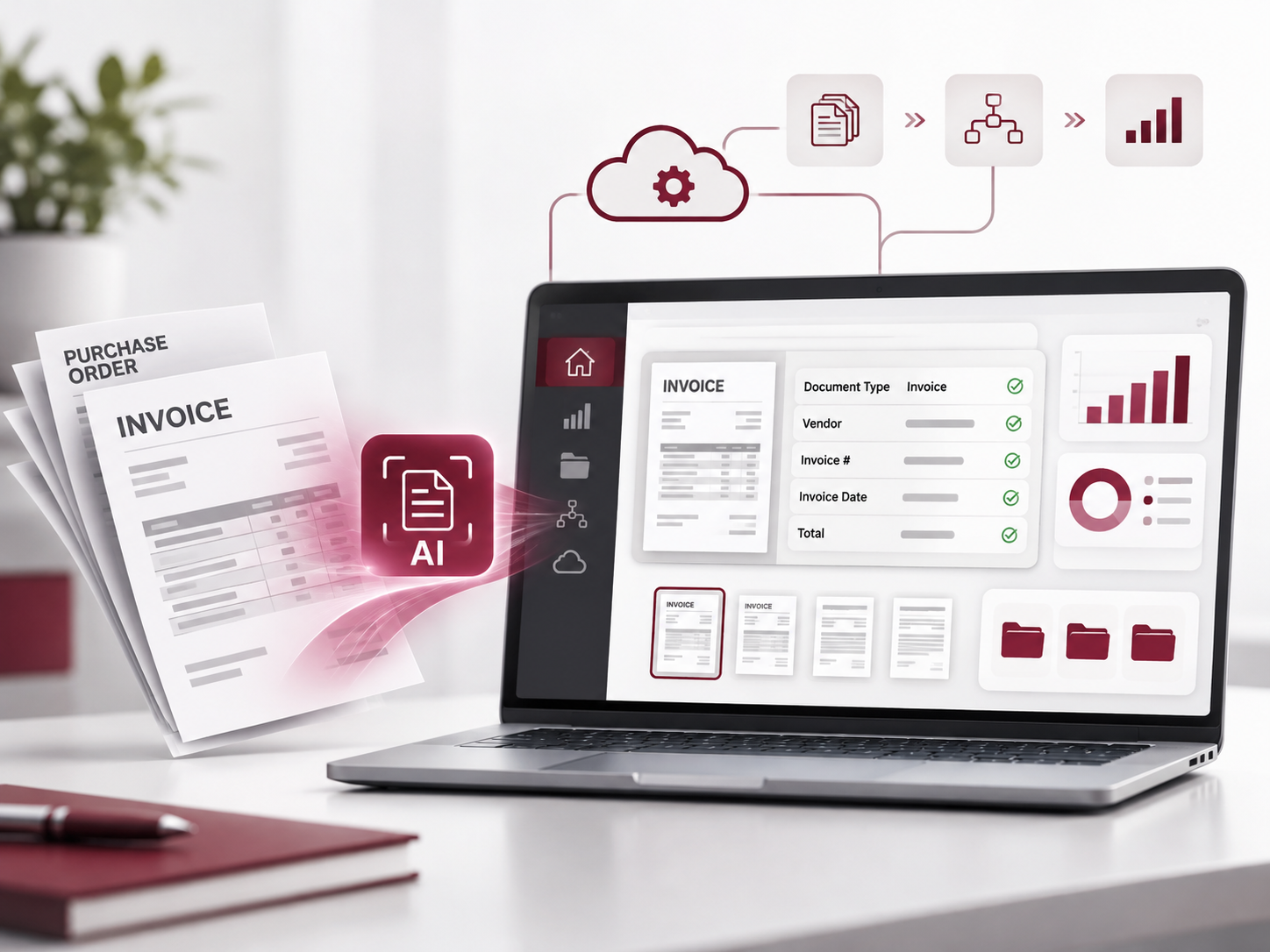
Automatically extract key information from invoices, orders, and other documents.
Fewer Data Entry Errors
Use AI-powered extraction with human review to help maintain accuracy.
More Useful Digital Documents
Turn scanned paperwork into searchable, organized information that's easy to use.
Your Scanned Documents Can Do More
Scanning a document is only the first step. AI-powered document capture can extract important information from invoices, purchase orders, shipping records, and other business documents—helping eliminate repetitive data entry and making information easier to organize and use.
With DDL, you can explore ways to make that information available in the systems your business already relies on, including Microsoft SharePoint and OneDrive.
How Does AI Document Capture Work?
Capture
Scan or use an existing digital file (i.e. invoice, etc).
Extract
Let AI identify and extract relevant information.
Review
Your team reviews and validates the extracted data.
Put to Work
Deliver data and documents to your business systems.
Digitizing a Document Is Only Step One
Scanning and extracting information is just the beginning. Once information is captured, it still needs to be organized, protected, and delivered to the right people or systems.
DDL helps businesses evaluate the entire document workflow—not just turn paper into another digital file.
DDL helps you look beyond the initial scan to build a complete document workflow—from information capture and data extraction to secure storage, approvals and retention.
Capture
Capture information from scanned paper, PDFs, email attachments and digital forms.
Secure
Control access based on the document, employee role and your organization’s security requirements.
Extract
AI identifies key information such as names, invoice numbers, dates, totals and account details.
Route
Move documents into review, approval or exception workflows without relying on manual email follow-up.
Classify
Automatically recognize document types and apply consistent names, categories or metadata.
Retain
Store documents consistently so they can be found, audited and securely removed according to policy.
See How DDL Can Automate Your Document Workflows
What if your business documents could practically process themselves?
AI-powered document capture helps turn invoices, forms, and other paperwork into usable digital information—reducing manual data entry, improving accuracy, and helping your team work more efficiently.
Watch how intelligent document processing makes this possible. →
Want to see how these capabilities could improve your own document workflow? DDL can help you identify where automation makes sense.
What Documents Can You Automate?
From invoices to shipping records, DDL can help you reduce repetitive data entry across the documents your business uses every day
Invoices
Purchase Orders
Shipping Records
Business Forms
Local Expertise. Practical Document Solutions
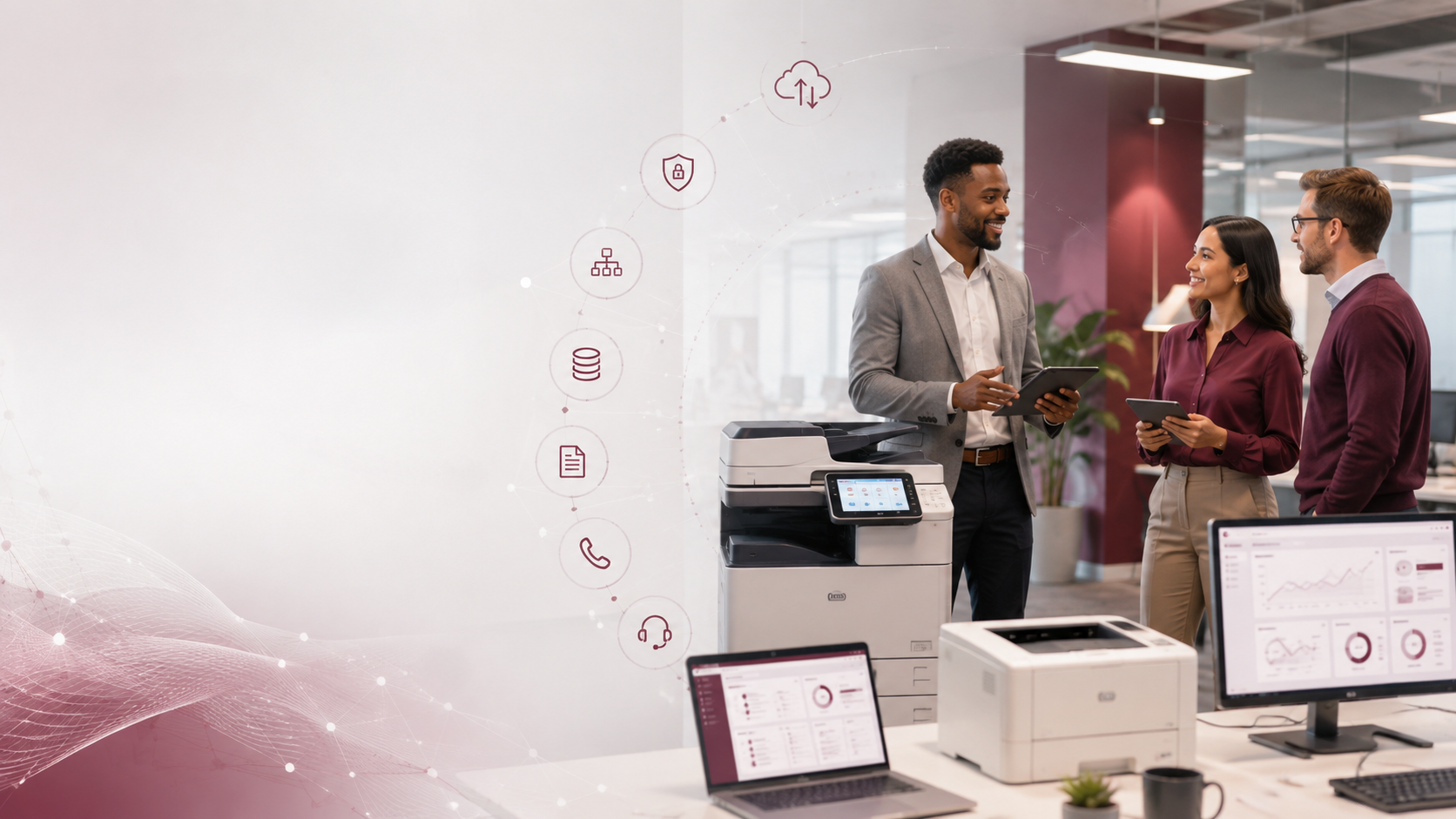
Based in Winchester, Virginia, DDL Business Systems has been helping businesses throughout Northern Virginia and the Shenandoah Valley work smarter since 1997. Unlike providers who leave you navigating technology on your own, DDL offers the personal attention, responsive local support, and hands-on guidance you need to succeed.
From evaluating your current document workflows to implementing practical digitization solutions and providing ongoing assistance, our local team is here to help you get the most from your technology.
Ready to see what AI-powered digitization could do for your business?
Let's identify where your team is spending unnecessary time on paperwork and explore opportunities to simplify the process.
Fill out the assessment form to the right.