
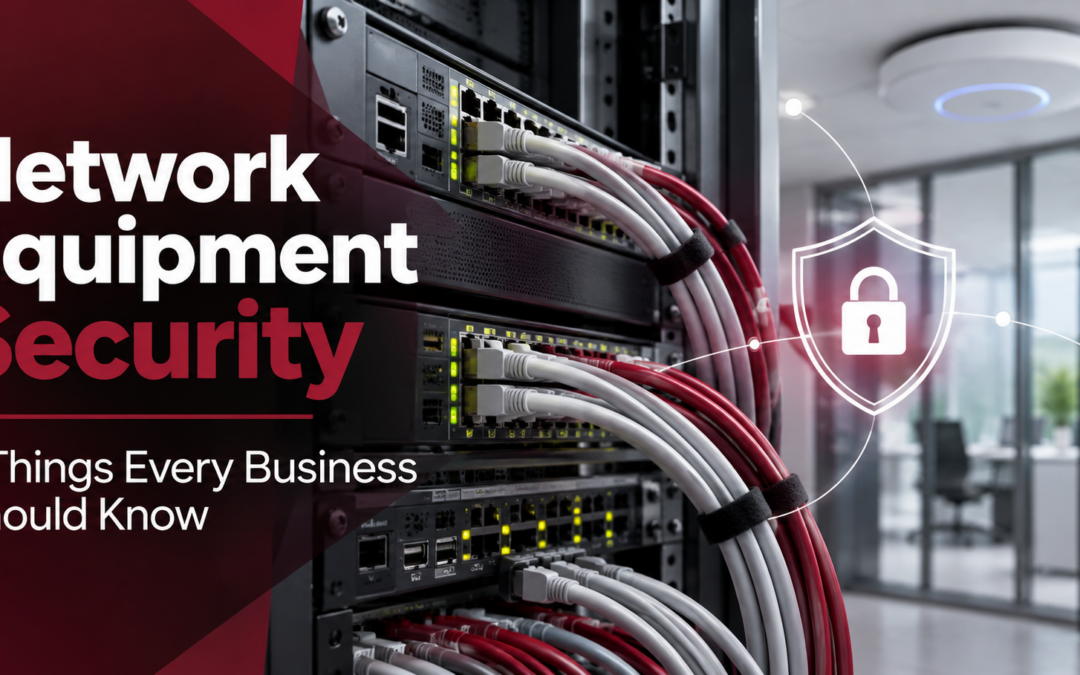
Your computers aren’t the only devices that need security updates. Here’s why the equipment behind your business network deserves attention, too.
When businesses think about cybersecurity, they often focus on computers, passwords, email threats, and antivirus software. But what about the equipment connecting everything behind the scenes? Network switches, firewalls, and wireless access points quietly keep employees, printers, phones, and business applications connected. When these devices work properly, most people never think about them.
And that’s part of the problem. Just like computers and servers, network equipment runs software that needs maintenance, security updates, and occasional replacement. If nobody is keeping track of those devices, important vulnerabilities can go unnoticed. A recent Cisco security advisory offers a timely reminder of why businesses need to pay attention to their network infrastructure.
A Critical Cisco Vulnerability Highlights an Overlooked Risk
On October 7, 2026, Cisco disclosed a critical security vulnerability affecting certain models of its network equipment. The vulnerability, identified as CVE-2026-76471, received a severity score of 9.8 out of 10.
In simple terms, the flaw could allow an attacker to gain extensive control over certain affected devices or interrupt their operation. The issue affects specific Cisco Nexus 3000 and 9000 switches running vulnerable software with a particular management feature enabled. Certain Cisco UCS 6300 fabric interconnects are also affected under different access conditions. Not all Cisco switches are vulnerable, and Cisco has released software updates to correct the problem. According to Cisco’s October 8 advisory update, the company was not aware of malicious exploitation at that time. You can read the official Cisco security advisory here.
So, what does this mean for the average business?
The important lesson isn’t that every business needs to worry about this particular Cisco vulnerability. It’s that network equipment can develop security weaknesses just like any other technology. And unless someone is actively monitoring those devices and maintaining their software, vulnerabilities may remain unresolved. That raises an important question: Who is responsible for keeping the equipment that connects your business updated and secure?
1. The Network Equipment Businesses Often Forget About
Most employees know when their computers need attention. They receive update notifications, experience performance issues, or contact IT when something stops working. Network equipment is different. Many of these devices operate behind the scenes for years without attracting attention. Yet they play a critical role in keeping the business connected.
Here are four examples worth understanding.
Network Switches: Connecting Your Devices
Think of a network switch as a traffic director for your office. It connects computers, printers, servers, phones, and other devices, allowing information to move between them. If a switch fails, employees may lose access to important systems. If its software contains an exploitable vulnerability, an attacker may be able to interfere with network operations or compromise the device, depending on the flaw.
Firewalls: Helping Protect Your Network
A firewall helps control traffic entering and leaving your network. It’s an important security tool, but it isn’t something you can install and forget. Firewall software requires updates, security settings need periodic review, and outdated models may eventually lose manufacturer support. Even a properly functioning firewall can create unnecessary risk if its security protections aren’t maintained.
Wireless Access Points: Keeping Everyone Connected
Wireless access points provide Wi-Fi connections for employees, visitors, and connected devices. Over time, these devices may need firmware updates, security configuration changes, or replacement. For example, older wireless equipment may not support newer security features, potentially leaving businesses with fewer options for protecting their wireless networks.
Routers and Other Network Devices
Routers help direct information between networks, including connections to the internet. Other infrastructure, such as VPN gateways, network controllers, and specialized connectivity devices, may also require ongoing maintenance. Depending on your business, the network can extend well beyond traditional office computers to include security cameras, conference room technology, VoIP phones, and connected printers.
The bottom line? Your network is more than the computers sitting on employees’ desks. Every connected device needs an appropriate level of security oversight.
2. Why Outdated Network Equipment Can Become a Security Risk
Just because a device still works doesn’t necessarily mean it’s secure. Businesses sometimes continue using the same network equipment for many years because it appears reliable. While that may seem cost-effective, several problems can develop over time.
Outdated Firmware Can Contain Known Vulnerabilities
Firmware is software built into a device that controls how it operates. Manufacturers periodically release updates to address bugs, improve performance, and correct security weaknesses. When those updates aren’t installed, devices may remain exposed to known vulnerabilities. Not every update needs to be installed immediately. However, critical security fixes should be evaluated promptly, prioritized according to risk, and deployed through a controlled process.
Older Devices May No Longer Receive Security Updates
Eventually, manufacturers stop supporting certain equipment. When a device reaches its end-of-support date, the manufacturer may no longer provide security patches or technical assistance. That means newly discovered vulnerabilities could remain unresolved. For businesses relying on older network equipment, knowing the manufacturer’s support status is an important part of planning replacements before failures or security issues occur.
Unnecessary Management Access Can Create Security Gaps
Many network devices include management tools that allow IT professionals to configure settings, monitor performance, and troubleshoot problems. These tools are useful, but access needs to be properly controlled. For example, a management interface exposed to the internet could provide an additional opportunity for unauthorized access, particularly if it has a vulnerability or weak authentication settings. Businesses should understand which management features are enabled, who can access them, and whether that access is appropriately restricted.
Unclear Responsibilities Can Delay Important Updates
One of the biggest risks isn’t always the technology itself. It’s not knowing who is responsible for maintaining it. Consider these questions:
- Does your IT provider maintain the firewall, or does another vendor handle it?
- Who monitors security advisories for your network switches?
- When was the last time someone reviewed your network equipment’s software versions?
- If a critical vulnerability is announced tomorrow, who determines whether your business is affected?
When these responsibilities aren’t clearly assigned, important maintenance tasks can fall through the cracks. That’s why proactive network management is about more than fixing equipment when it breaks. It’s also about knowing what you have, understanding its condition, and making sure someone is responsible for keeping it secure.
3. Seven Things Every Business Should Know About Its Network
You don’t need to be a technology expert to ask the right questions about your network. Whether you have an internal IT department, work with an outside provider, or rely on occasional technical support, these seven areas deserve regular attention.
1. What Network Equipment Do We Have?
Start with an accurate inventory of your network devices. That includes switches, firewalls, routers, wireless access points, and other critical equipment. Your inventory should identify the manufacturer, model, location, and purpose of each device. Without an accurate inventory, it’s difficult to determine which devices could be affected when a manufacturer announces a security vulnerability.
2. Are Our Firmware and Software Versions Current?
Ask when network equipment was last reviewed for security updates. Some devices may require urgent patches, while others can be updated during scheduled maintenance windows. The goal is to have a consistent process for identifying, evaluating, and installing appropriate updates.
3. Which Management Features Are Enabled?
Network equipment often includes remote management capabilities. Ask your IT provider whether those features are necessary, how access is secured, and whether any unnecessary services can be disabled. Reducing unnecessary access can help reduce potential security exposure.
4. Is Any Network Management Access Exposed to the Internet?
Not every device should be directly accessible from outside your organization. A network security review should identify management interfaces that can be reached externally and determine whether their exposure is necessary. Remote administration should use appropriate access controls and secure connections.
5. Who Has Administrative Access?
Administrative accounts allow authorized personnel to make important changes to network equipment. Businesses should know who has this level of access and whether those permissions are still appropriate. Strong authentication, limited privileges, and regular account reviews are important safeguards.
6. Is Our Equipment Still Supported by the Manufacturer?
A device may continue operating long after the manufacturer stops releasing security updates. Reviewing manufacturer support dates helps businesses identify equipment that may need replacement. This also makes it easier to budget for technology upgrades instead of waiting for an unexpected failure.
7. Do We Have Secure Configuration Backups?
Network devices contain settings that determine how your business connects and communicates. If equipment fails or needs to be replaced, restoring those settings can save valuable time. Ask whether configuration backups are maintained, appropriately protected, and periodically tested for recovery. If your organization can’t confidently answer several of these questions, it may be time for a closer look at your network infrastructure.
4. How DDL Business Systems Can Help You Evaluate Your IT Environment
Keeping a business network secure requires ongoing attention, but not every organization has the internal resources to manage everything independently. For many small and midsize businesses, the challenge is balancing day-to-day operations with the need to maintain secure, reliable technology. That’s where having the right technology partners can make a difference.
DDL Business Systems is based in Winchester, Virginia, and helps businesses throughout Northern Virginia and the Shenandoah Valley find practical technology solutions. Through our partnership with TPx Communications, we help organizations explore Managed IT and cybersecurity services designed to support their evolving technology needs.
Depending on your environment and service requirements, these solutions can include:
- Proactive network monitoring and management
- Software and security patch management
- Network security and access controls
- Firewall and connectivity support
- Backup and disaster recovery solutions
- Ongoing IT support and technology planning
Rather than waiting for a network problem to interrupt your business, proactive IT management helps establish a more consistent approach to monitoring, maintenance, and security. And because DDL also supports office equipment, managed print services, document management, and business communications, we understand how interconnected today’s workplace technology has become.
Explore DDL’s Managed IT Services in Northern Virginia. For organizations in the Winchester area, learn more about our Managed IT solutions in Winchester, VA.
Is It Time for a Network Infrastructure Review?
You don’t need to wait for a cybersecurity warning or unexpected outage to evaluate your network. In fact, understanding your network environment before a problem occurs is one of the most practical steps a business can take.
Start by asking a simple question: Do we know who’s responsible for keeping every critical part of our network updated, supported, and secure? If the answer isn’t clear, DDL Business Systems can help you start that conversation. We’ll discuss your current technology environment, identify areas that may deserve additional attention, and help you explore appropriate network management and cybersecurity solutions through our Managed IT partnership with TPx Communications. Your network connects everything your business depends on. Make sure its maintenance and security aren’t being overlooked.
Contact DDL Business Systems to Request a Technology Assessment
Source: Cisco Security Advisory, CVE-2026-76471, published October 7, 2026. Specific product exposure and remediation guidance should be verified against Cisco’s current advisory and the affected equipment’s configuration.
Recent Comments