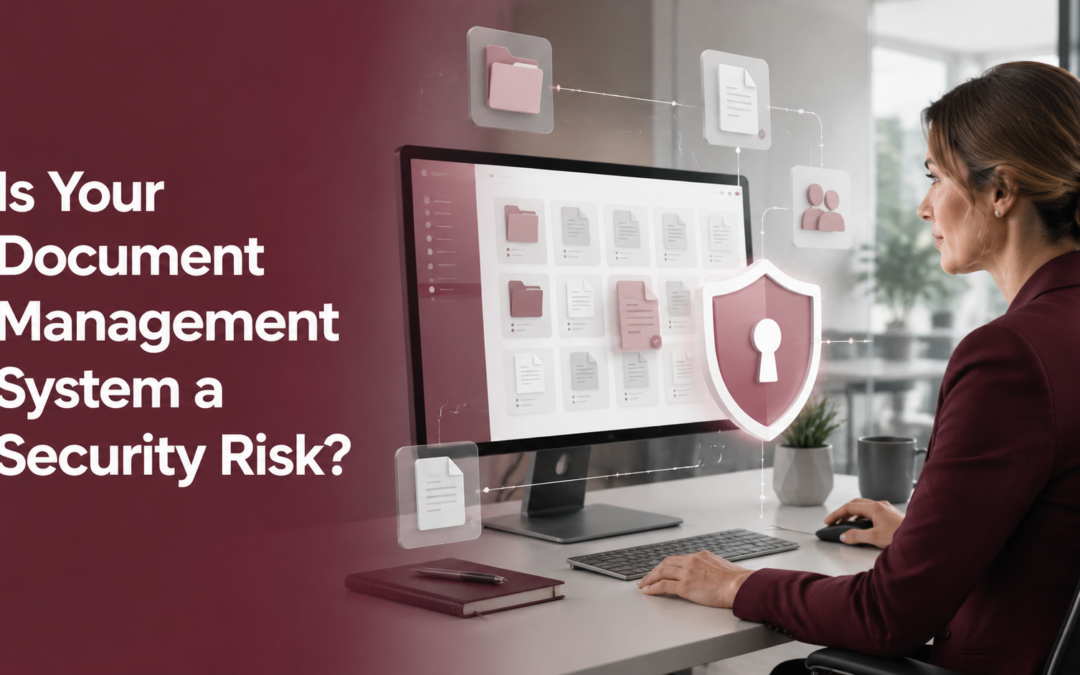
A document management system can make work faster, reduce paper clutter and help employees find information when they need it. However, the same system may also hold some of your organization’s most sensitive information—including employee records, contracts, financial documents, customer data and medical information. That is why document management security deserves the same attention as email, computers and business applications.
The issue became especially timely in August 2026, when the Cybersecurity and Infrastructure Security Agency (CISA) added a critical Microsoft SharePoint Server vulnerability to its Known Exploited Vulnerabilities catalog. The vulnerability, identified as CVE-2026-55040, affects certain on-premises SharePoint Server installations and may allow an unauthenticated attacker to assume a SharePoint user’s identity. The National Vulnerability Database provides additional technical details.
Importantly, Microsoft SharePoint Online was not identified as affected by this particular vulnerability. Still, the incident offers a useful reminder: storing documents digitally does not automatically make them secure. Whether your business uses SharePoint, a dedicated document management platform, network folders or a combination of systems, the following seven questions can help you identify potential gaps.
1. Is the System Receiving Security Updates on Time?
Software vulnerabilities are discovered regularly. Therefore, every document management system needs a clear process for reviewing and installing security updates.
For an on-premises platform, your organization—or its IT provider—is generally responsible for maintaining the server and applying updates. A cloud provider may handle more of the underlying maintenance; however, your business is still responsible for user access, security settings and the way employees use the system.
Ask these questions:
- Who monitors security notices for the platform?
- How quickly are critical updates evaluated and installed?
- Does someone confirm that the update succeeded?
- Are older or unsupported versions still in use?
Simply having a patching policy is not enough. In addition, you need records showing that important updates were actually applied.
2. Who Has Administrator Access?
Administrator accounts can change permissions, add users, alter security settings and access large amounts of information. As a result, these accounts are attractive targets for cybercriminals. Administrator privileges should be limited to people who genuinely need them. Furthermore, administrators should use separate accounts for routine work and administrative tasks whenever possible.
At a minimum, organizations should consider:
- Multi-factor authentication
- Strong, unique passwords
- Separate administrator accounts
- Alerts for unusual administrator activity
- Immediate removal of access when an employee or vendor relationship ends
The goal is straightforward: if one password is stolen, an attacker should not automatically gain unrestricted access to the entire document repository.
Worried about SharePoint or Document Security?
DDL helps businesses across Winchester and Northern Virginia secure Microsoft 365, documents, networks and endpoints.
Explore Managed IT & Cybersecurity →
3. Can Employees Access More Information Than They Need?
Many security problems begin with permissions that are too broad. For example, a new employee may receive access to an entire department’s files when only one project folder is required. Over time, those permissions accumulate and are rarely reviewed. Instead, access should follow the principle of least privilege. In other words, each person should have access only to the information needed for their job.
Review permissions for:
- Human resources and payroll files
- Financial and banking documents
- Customer and patient information
- Contracts and legal records
- Executive and board documents
- Archived employee accounts
- Shared links and external users
Also, remember that access needs change. Therefore, permission reviews should take place regularly—not only when the system is first installed.
4. Is the Document System Exposed to the Internet?
Remote access is often necessary, especially for businesses with multiple locations or hybrid employees. Nevertheless, an internet-accessible system can create additional risk if it is not configured and monitored correctly. Your IT team should know which document management services are reachable from outside the business network and why. They should also understand how users authenticate and whether unnecessary services have been disabled.
Depending on the platform, safeguards may include multi-factor authentication, secure remote-access tools, firewalls, conditional-access rules and restrictions based on device health or location. Most importantly, remote access should be intentional. If no one can explain why a server or service is exposed to the internet, it deserves immediate review.
5. Are Backups Protected—and Have They Been Tested?
Backups are essential, but they are not automatically safe. In fact, ransomware attackers may try to delete or encrypt backups before disrupting the main system. For that reason, a sound backup plan should include protected or isolated copies that are not easily altered through a compromised administrator account. It should also define how long data is retained and who can initiate a restore.
Just as importantly, businesses should test their recovery process. A backup that has never been restored is only an assumption.
Ask:
- What information is backed up?
- How frequently are backups created?
- Are any copies isolated or protected from modification?
- How long would a full recovery take?
- When was the last successful restore test?
These questions connect document management security with business continuity. After all, the ability to recover information can determine whether an incident causes a short interruption or a prolonged shutdown.
6. Would Anyone Notice Suspicious Activity?
Prevention matters; however, no security control is perfect. Organizations also need a way to identify suspicious activity quickly. Useful warning signs may include repeated failed logins, unusual downloads, access from unexpected locations, changes to administrator privileges or large numbers of files being renamed or deleted.
Logging alone does not solve the problem. Someone must review the information, investigate meaningful alerts and know what to do next. Consequently, monitoring and incident response should be planned together.
Your response plan should identify:
- Who receives security alerts
- Who has authority to disable an account
- How affected systems will be isolated
- When leadership, customers or authorities should be notified
- How operations will continue during the investigation
The faster a business can recognize and contain suspicious activity, the better its chance of limiting damage.
7. Is Old Information Being Kept Longer Than Necessary?
It is easy to keep digital files indefinitely. Yet retaining unnecessary information can increase both security risk and legal exposure. For example, former employee records, outdated customer files and duplicate scans may remain accessible long after their business purpose has ended. If a breach occurs, those forgotten files can still become part of the incident.
A clear retention policy helps determine what should be kept, how long it should be stored and when it should be securely deleted. Moreover, automated workflows can make that policy easier to follow consistently. Retention requirements vary by industry and document type. Therefore, businesses should coordinate with legal, compliance and records-management advisers when developing their rules.
Document Security Goes Beyond the Repository
A secure document management system does not operate in isolation. Documents may enter through scanners and multifunction printers, move through email, appear on employee computers and be shared through cloud applications.
As a result, document management cybersecurity should be part of a broader security strategy that includes:
- Multi-factor authentication
- Endpoint protection
- Email security
- Network segmentation
- Printer and scanner security
- Patch and vulnerability management
- Reliable backups
- Employee security awareness
- A documented incident-response plan
This wider view is especially important for organizations in healthcare, legal services, finance, education, manufacturing and local government, where sensitive information often moves through several systems before reaching its final destination.
SharePoint Server vs. SharePoint Online: What Is the Difference?
SharePoint Server is installed and maintained on infrastructure controlled by the organization or its service provider. Therefore, the organization is responsible for server maintenance, security updates, configuration and monitoring.
SharePoint Online is a cloud service within Microsoft 365, so Microsoft manages much of the underlying infrastructure. However, the customer still controls important areas such as user accounts, permissions, sharing settings, multi-factor authentication and data-retention policies.
Neither approach is automatically right for every organization. The better choice depends on security requirements, internal resources, compliance obligations and how employees need to work. In either case, strong access controls and ongoing oversight remain essential.
How DDL Business Systems Can Help
DDL Business Systems helps organizations look at the full document workflow—from scanning and storage to access, sharing, printing and retention. In addition, our Managed IT and cybersecurity services can help businesses evaluate the technology surrounding those workflows, including user access, patching, endpoint protection, backups and network security.
For businesses in Winchester, Northern Virginia, the Shenandoah Valley, Maryland and West Virginia, local support also matters. When a workflow or security issue affects daily operations, you need a partner who understands both the technology and the way your organization uses it.
If you are unsure who can access your documents, whether your systems are fully updated or how quickly your organization could recover from an incident, now is a good time to find out. Schedule a document-management and security review with DDL Business Systems. We can help you identify practical next steps for protecting information while keeping it available to the people who need it.
For organizations in the local area, DDL also provides managed IT services in Winchester to help manage user access, endpoints, backups, networks and the technology surrounding document workflows
Recent Comments