
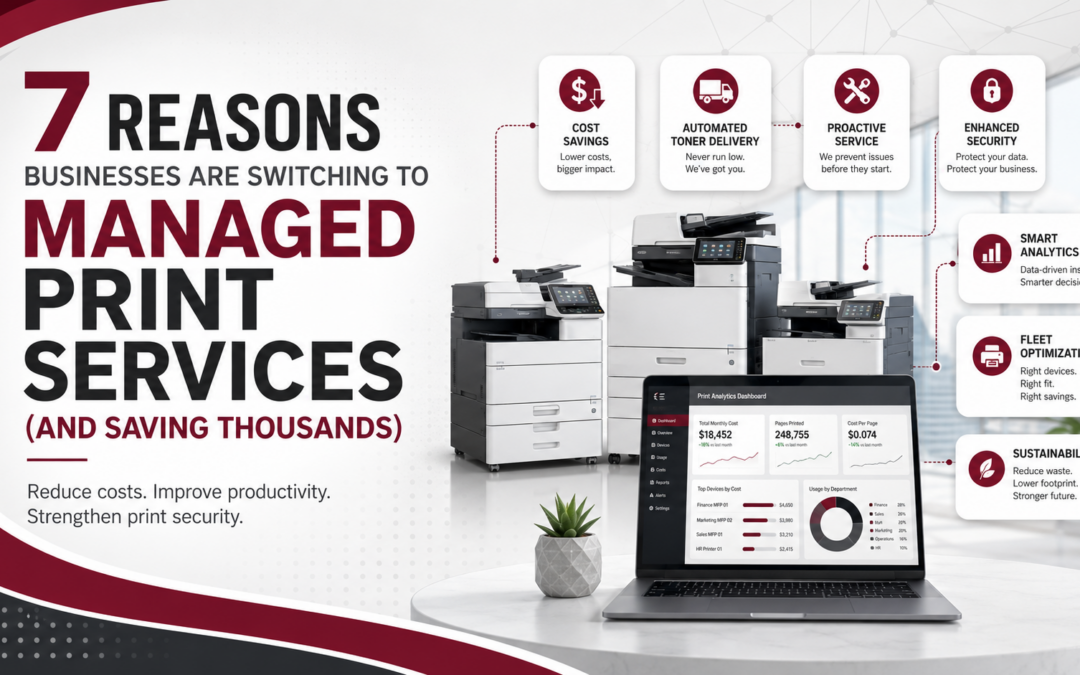
In today’s fast-paced business environment, organizations are constantly looking for ways to reduce costs, improve efficiency, and simplify technology management. Many organizations still rely on outdated printers and copiers. Modern office equipment solutions can dramatically improve efficiency and reliability. However, one area that is often overlooked is print infrastructure. Printers, copiers, toner, service calls, and print security can quietly consume a significant portion of IT budgets.
As a result, more companies are now turning to Managed Print Services (MPS) to take control of their print environments. By partnering with a trusted provider, businesses can reduce costs, improve productivity, and strengthen document security. So, if your organization is still managing printers internally, now may be the perfect time to explore the advantages of Managed Print Services.
What Are Managed Print Services?
Managed Print Services (MPS) is a comprehensive solution that allows businesses to outsource the management of their printing environment to a specialized provider. Instead of purchasing printers, managing toner inventory, and scheduling repairs internally, an MPS provider handles these responsibilities for you. Consequently, your team can focus on core business operations rather than troubleshooting office equipment.
A typical managed print solution includes:
- Print environment assessment
- Fleet optimization (right-sizing printers and copiers)
- Automated toner and supply delivery
- Proactive maintenance and service
- Print usage monitoring and reporting
- Print security management
- Cost control and budgeting
Ultimately, the goal is to streamline your print environment while reducing unnecessary expenses and improving workflow efficiency..
1. Reduce Printing Costs
First and foremost, one of the biggest reasons companies switch to Managed Print Services is cost savings. In fact, according to research from IDC and Gartner, many organizations overspend on printing because of unmanaged devices, inefficient workflows, and lack of visibility into print usage. In fact, printing can account for 1–3% of annual revenue, and businesses that implement Managed Print Services often reduce costs by 20–30%.
Managed print providers help reduce costs by:
- Eliminating unnecessary printers
- Monitoring toner usage
- Preventing wasteful printing
- Consolidating equipment
- Providing predictable monthly billing
Many businesses see print cost reductions of 20–30% after implementing an MPS strategy.
2. Improve Office Productivity
Printer problems can quickly disrupt the workday. For example, employees may lose valuable time troubleshooting printers, ordering toner, or contacting support. However, with Managed Print Services, your provider proactively monitors devices and resolves issues before they affect productivity.
Key Benefits include:
- Automated toner replacement
- Remote printer monitoring
- Faster service response times
- Fewer printer outages
- Simplified support
Therefore, your team can stay focused on their work instead of managing office equipment.
3. Strengthen Document Security
Another key point is that printing can be a major security vulnerability for businesses, especially for organizations handling sensitive information such as financial data, healthcare records, or customer files. Fortunately, modern managed print solutions include several advanced security features such as:
- Secure print release
- User authentication
- Print activity tracking
- Data encryption
- Device security updates
Because of these protections, businesses can significantly reduce the risk of data breaches while maintaining better control over confidential documents.
4. Gain Visibility and Control Over Printing
Surprisingly, many businesses don’t know how much they actually spend on printing each year. In addition, hidden costs like toner, maintenance, service calls and wasted prints can add up quickly. Managed Print Services provide detailed analytics and reporting, including:
- Print volume tracking
- Departmental usage reports
- Cost-per-page analysis
- Device performance metrics
Consequently, organizations gain better visibility into their print environment and can make smarter technology decisions.
5. Simplify Printer Fleet Management
Managing multiple printer brands, models, and service vendors can quickly become complicated. Additionally, coordinating maintenance schedules and supply orders often consumes valuable IT resources. With a Managed Print Services provider, your entire print environment is centralized under one contract and one support team.
This simplifies:
- Printer maintenance
- Supply ordering
- Equipment upgrades
- Service requests
- Vendor management
As a result, businesses gain a single point of accountability, which makes managing office technology much easier.
6. Support Sustainability and Reduce Waste
In addition to cost savings, many organizations are adopting Managed Print Services as part of their sustainability initiatives.
MPS solutions help reduce environmental impact by:
- Reducing paper waste
- Encouraging duplex (double-sided) printing
- Lowering energy consumption
- Recycling toner cartridges
- Optimizing printer usage
Therefore, businesses can lower operational costs while also supporting environmentally responsible practices.
7. Prepare Your Business for Future Growth
Finally, Managed Print Services provide the scalability businesses need as they grow. For example, when companies expand offices or hire additional staff, print demands often increase. Fortunately, an MPS provider can quickly adjust your print environment by adding devices, optimizing workflows, or updating technology. As a result, your printing infrastructure grows alongside your organization without creating additional management burdens.
Signs Your Business Is Ready for Managed Print Services
If any of these challenges sound familiar, it may be time to consider Managed Print Services:
- Employees constantly run out of toner
- Printers frequently break down
- You don’t know your monthly print costs
- IT staff spends too much time managing printers
- Your office has too many devices
- Print security is a concern
A managed print provider can assess your environment and recommend improvements.
How to Get Started with Managed Print Services
Typically, the transition to Managed Print Services begins with a print assessment. During this process, specialists evaluate your current devices, usage patterns, costs, and document workflows. Next, they design a customized managed print solution tailored to your organization’s needs and budget. Ultimately, this approach creates a more efficient, secure, and cost-effective printing environment.
Ready to Reduce Your Printing Costs?
Printing may not seem like a major business expense at first. However, unmanaged print environments can quietly drain both resources and productivity.
By switching to Managed Print Services, businesses can:
✔ Reduce printing costs
✔ Improve operational efficiency
✔ Strengthen document security
✔ Simplify printer management
✔ Gain better control over print usage
Schedule Your Free Print Assessment
If you want to discover how much your organization could save, the first step is a professional print assessment. Our specialists will evaluate your current environment and show you how Managed Print Services can reduce costs while improving productivity.
Request Your Free Print Assessment Today
Recent Comments