
It Started Like a Normal Business Conversation
This wasn’t some obvious scam email full of typos or suspicious links. This was a phishing attack that looked completely legitimate. Or at least—it looked real.
Dave, the owner of DDL Business Systems, was on the phone with a client discussing past-due invoices. Nothing unusual – just a routine business conversation.
About an hour later, Dave received an email from that same client.
Inside?
A Dropbox link to the exact invoices they had just discussed.
Everything lined up—timing, context, and sender.
It felt real.
The First Smart Move (That Made All the Difference)
Before clicking anything, Dave paused. Instead of opening the link, he replied to confirm the email was legitimate.
A few hours later, he got a response saying it was safe to open. At that point, most people would have clicked without thinking twice.
The Red Flag Most People Miss
When Dave finally opened the link, something didn’t feel right. It prompted him to log in using his Microsoft credentials.
That’s where things changed.
That’s when he realized this could be a phishing attack—one designed to steal login information by mimicking a trusted platform. Because this is exactly how modern phishing attacks work. They don’t look suspicious anymore—they look expected.
Instead of entering his credentials, Dave trusted his instincts and picked up the phone.
The Truth Behind the Email
The client answered—and what she said changed everything:
“We’ve been hacked. Do not open any emails from us.”
She hadn’t sent the email.
She hadn’t sent the reply confirming it was safe either.
The hacker had taken over the email account and was actively communicating as her—in real time. According to Verizon’s Data Breach Investigations Report, email phishing continues to be one of the most common entry points for cyberattacks. And according to Proofpoint, attackers are increasingly using real conversations and compromised accounts to make phishing nearly impossible to detect at first glance. This is called “conversation hijacking”—which happened here and this is becoming more common and far more convincing.
What Could Have Happened (And Often Does)
If Dave had entered his Microsoft login credentials:
- The attacker would have gained access to his email
- The attack could have spread across his organization
- Internal and client data could have been exposed
- Ransomware or further phishing emails could have been sent from his account
- Business operations could have been disrupted for days—or longer
This is how a single phishing attack can quickly turn into a company-wide problem. Quietly. Convincingly. Quickly.
Why This Attack Was So Dangerous
This wasn’t a random email blast.
It had:
- ✔️ Real business context
- ✔️ A known sender
- ✔️ Relevant files
- ✔️ A follow-up confirmation
- ✔️ A legitimate-looking login page
That combination is what makes these phishing attacks so effective.
The Only Reason This Didn’t Turn into a Breach
It came down to one thing:
👉 Awareness
Dave didn’t just rely on email verification. He confirmed through a second channel. That simple step prevented what could have been a major incident.
How to Protect Your Business from This Exact Scenario
Here’s the reality: You can have strong technology in place (firewalls, antivirus, and secure networks) … But if someone enters their credentials into a phishing page, attackers walk right in. Human error is still the most common entry point of cyber threats. That’s why protection needs to go beyond just software.
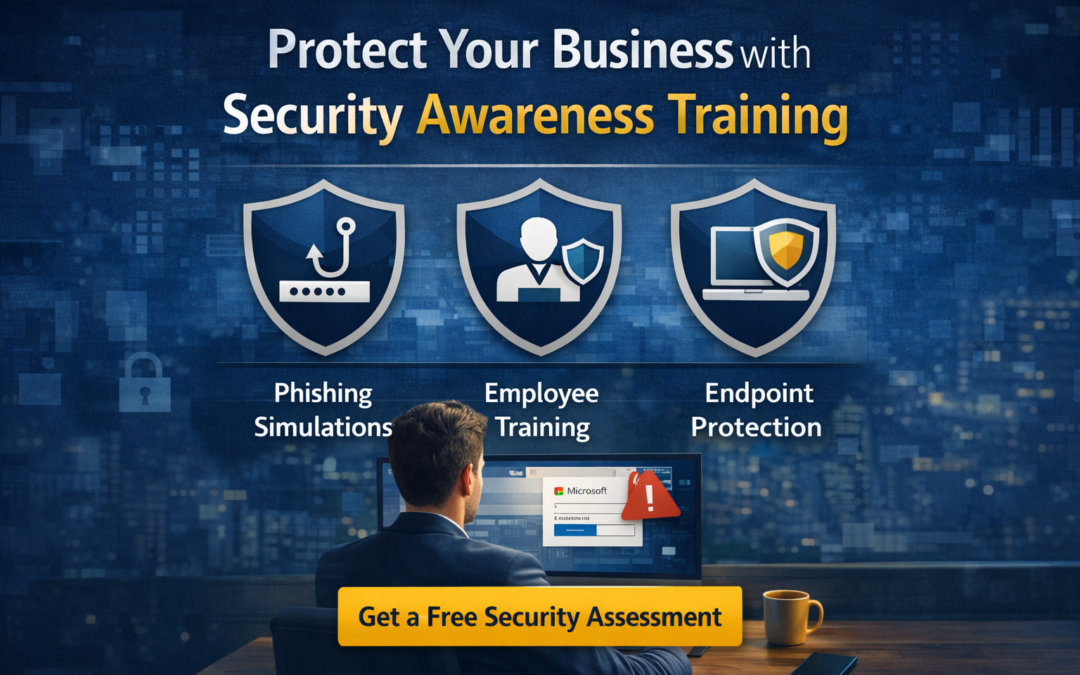
1. Security Awareness Training
Train your team to recognize phishing attempts, suspicious links, and fake login pages before they become a problem. Your team needs to recognize:
- Phishing attempts (even sophisticated ones)
- Suspicious links
- Fake login pages (even if they look legitimate)
- Urgent or context-based scams
- When to stop and verify
2. Phishing Simulations
Practice matters. Give employees real-world experience identifying threats in a safe environment, so they know what to look for.
Simulated attacks help employees:
- Identify real-world threats
- Build instinctive caution
- Reduce risky behavior over time
3. Endpoint Security
Protect devices and stop threats from spreading—even if someone clicks something they shouldn’t.
Even if something slips through, endpoint security makes sure:
- Devices are protected
- Threats are detected early
- Spread is contained quickly
The Bottom Line
This situation could have gone very differently. And honestly—most of the time, it does.
The emails looked real.
The response looked real.
The situation felt real.
The threat was too. But it was a phishing attack designed to gain access and spread quickly.
👉 Want to Know How Exposed Your Business Is?
Security awareness training is one of the most effective ways to reduce phishing risks and strengthen your company’s cybersecurity posture. As phishing emails become more sophisticated, businesses need more than basic spam filtering. They need employees who know how to pause, question suspicious requests, and verify before clicking.
At DDL Business Systems, we provide security awareness training, phishing simulation, and endpoint security solutions that help businesses reduce exposure and improve resilience. Whether you are looking to protect Microsoft 365 accounts, reduce credential theft risk, or support your internal IT team, we can help you take a more proactive approach. We help businesses identify risks like this before they turn into downtime, data loss, or expensive recovery.
Our Free Technology Assessment includes:
- Email security risk review
- Phishing vulnerability insights
- Endpoint security evaluation
- Clear, actionable recommendations (no pressure)
Frequently Asked Questions
What is security awareness training?
Security awareness training helps employees recognize phishing emails, suspicious links, fake login pages, and other common cyber threats before they cause harm.
Why is phishing simulation important?
Phishing simulation gives employees hands-on experience identifying threats in a safe environment. It helps reinforce good habits and shows where additional training may be needed.
Is employee training enough on its own?
Training is important, but it works best as part of a layered security approach. That is why we also offer endpoint security and other cybersecurity solutions.
How often should employee’s complete awareness training?
Ongoing training is best. Threats evolve, and regular reinforcement helps employees stay aware and prepared.
Can this work for small and mid-sized businesses?
Yes. In fact, small and mid-sized businesses are often prime targets because attackers assume they have fewer protections in place.
Recent Comments