Could Your Office Printers Be Putting Patient Information at Risk?
Your medical practice takes patient privacy seriously. But have you considered the security risks associated with your printers, copiers, and scanners?
From patient records left in output trays to unsecured network connections and stored data on multifunction devices, everyday office equipment can create potential security vulnerabilities.
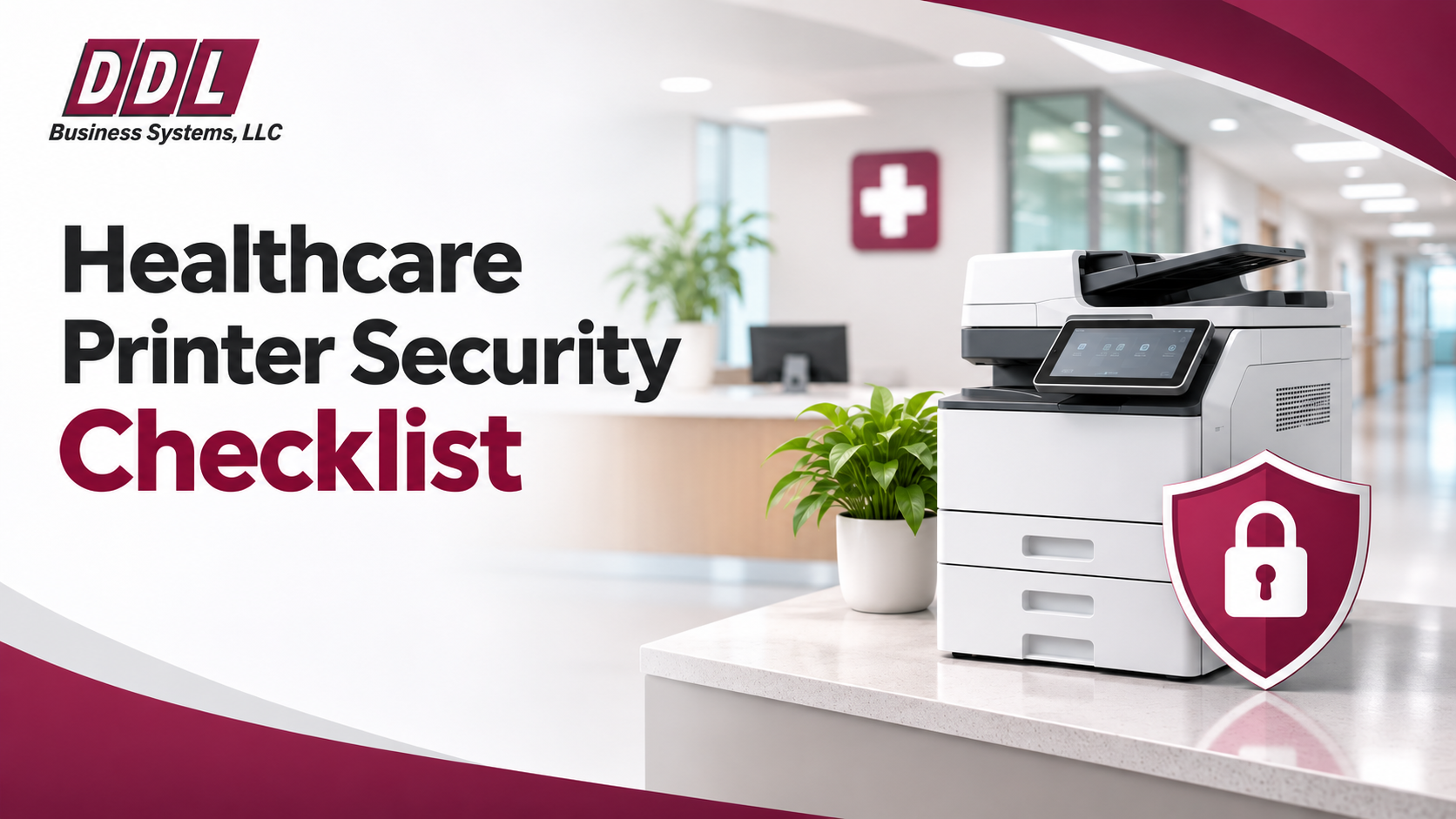
Download DDL Business Systems' FREE Healthcare Printer Security Checklist to identify areas where your practice may need stronger safeguards.
What's Inside the Free Checklist?
Our easy-to-follow, 12-question checklist helps your practice evaluate:
- Secure Printing: Are confidential patient documents protected from unauthorized access?
- Device & Network Security: Are your printers and copiers properly configured and protected?
- Document Handling: What happens to sensitive information after documents are printed, scanned, or copied?
- Staff Awareness: Does your team follow consistent procedures for protecting patient information?
- Equipment Disposal: Is stored data securely removed when printers or copiers are replaced?
No technical expertise required. Just 12 practical questions to help you spot potential gaps in your printing environment.
Protecting Patient Information Starts With Asking the Right Questions.
Whether you manage a small medical office, dental practice, or multi-location healthcare organization, this checklist provides a simple starting point for reviewing printer and document security.
Get Your Free Healthcare Printer Security Checklist ↓
Complete the short form to download your copy.